The best settings for filming on water
Water is bright, high-contrast and always moving. The mode your camera defaults to is usually the wrong one for it.
Part of Filming.
We earn a commission if you buy through our links, at no extra cost to you. It never changes what we recommend or the order we rank it in — how this works.
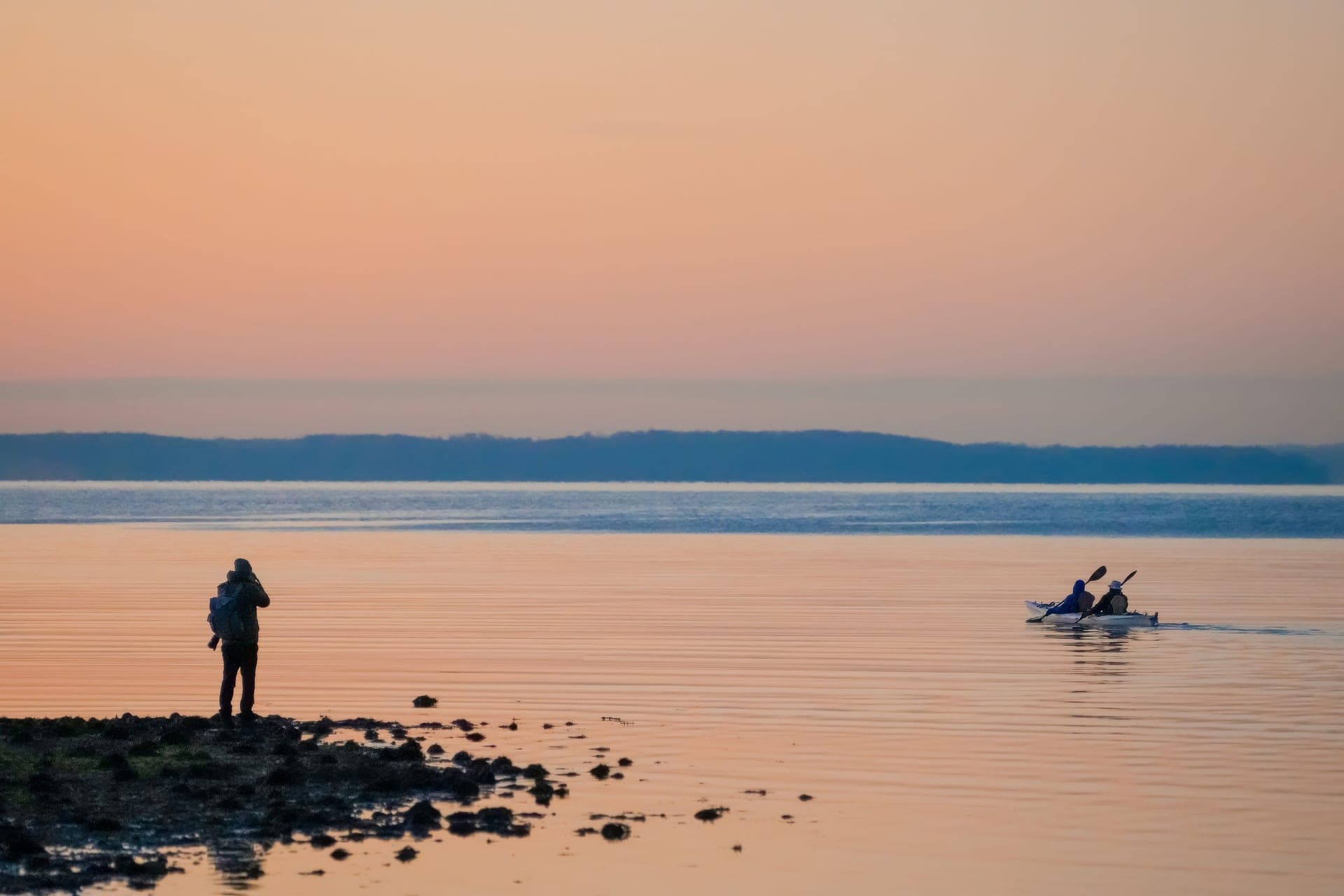
Shoot 4K60 rather than the maximum mode, lock exposure slightly down, set white balance manually for the conditions, and leave stabilization on with horizon lock enabled. 4K60 gives you a faster shutter for moving water, slow-motion headroom, cooler running and files you will actually edit. Bright water fools auto exposure into underexposing everything else, and auto white balance hunts constantly as the camera moves between sky, water and shade.
Resolution and frame rate: 4K60 is the answer
Almost every current camera defaults to, or invites you toward, its maximum mode — 5.3K30, 8K30. On water that is usually the wrong choice, for four reasons.
Shutter speed. At 60fps the camera uses a faster shutter than at 30fps, and moving water rewards that. Droplets and spray come out as distinct rather than smeared, which is most of what makes water look alive.
Slow-motion headroom. 60fps slowed to half speed is smooth. 30fps slowed is a stutter. Water is one of the few subjects that genuinely improves in slow motion.
Heat and battery. Maximum modes run hottest and drain fastest, and on a long day on reflective water both matter — the overheating guide covers the thermal side.
Files you will finish. The biggest one. A day of 5.3K is a pile you avoid; a day of 4K is an edit you complete.
| Situation | Mode | Why |
|---|---|---|
| General paddling and boating | 4K60 | Fast shutter, slow-mo headroom, manageable files |
| Bright midday water | 4K60 with exposure locked down | Stops the camera hunting between sky and water |
| Snorkeling and underwater | 4K30 with a red filter | Light is scarce below; 30fps gathers more of it |
| Long fixed shots from a boat | 1080p60 | Battery and heat, and nobody notices on a phone |
| Slow-motion spray or a wave | 4K120 or 2.7K240 | The one time the high frame rate modes earn it |
| 360 camera, all-day | 5.7K | Roughly double the battery of 8K, and far faster to reframe |
Exposure: lock it, slightly down
Water is the brightest thing most cameras meet outdoors. Sun reflecting off a lake produces highlights several stops above everything else, and auto exposure responds by pulling the whole image down — so your boat, your hands and anything in shade go dark — or by chasing, brightening and darkening every time the camera turns.
Two fixes, both free.
Apply negative exposure compensation, usually around -0.5 to -1.0. Protecting highlights matters more than protecting shadows here, because blown-out water cannot be recovered in an edit and slightly dark shadows can.
Lock exposure for a fixed shot. If the camera is on a mount pointing at roughly one scene, locking exposure stops the brightness pumping every time a wave catches the sun. On a handheld or moving shot, leave it automatic — a locked exposure that swings into shade is worse.
White balance: set it, do not let it hunt
Auto white balance is the setting that most visibly ruins water footage, because the camera keeps changing its mind. Point at blue water, then at a gray sky, then at a wooded shoreline, and the color of everything shifts mid-clip — which is impossible to correct afterwards and very obvious to watch.
Set it manually for the conditions and leave it:
Bright sun on open water: around 5500K.
Overcast: around 6500K, which warms the image back up.
Shade or early morning: around 7000K.
Underwater: the camera's underwater mode if it has one, and a red filter for anything below about five feet. The filter does the real work; white balance refines it.
The settings that matter less than you think
Color profiles and log modes. Flat profiles exist to preserve range for grading. If you are not going to grade — and most people are not — a standard profile straight out of the camera looks better and takes no work.
Bit rate. High bit rate helps in complex scenes, and it also demands more of your card and fills it faster. Standard is fine unless you see blocking in water texture.
Field of view. Widest is the default and the most distorted. A narrower setting looks more natural for anything where a person is in frame, and wide is better for mounted point-of-view shots. Worth experimenting with, not worth agonizing over.
The setting that is not a setting
Wipe the lens. Beading on the front element ruins more water footage than every setting on this page combined, and no mode recovers it.
Carry a microfiber cloth somewhere you can actually reach from the seat, and accept that you will use it every few minutes. Mounting higher and further back reduces how often.
01
What these settings need to work
A filter for anything below the surface, a card that can keep up with the mode you chose, and a camera whose stabilization survives chop.
- Tropical water, 15-75ft
- Tropical water, 5-15ft
- Green water, 10-75ft
- 9.0
- 8.0
- 8.5
- 7.0
- 8.0
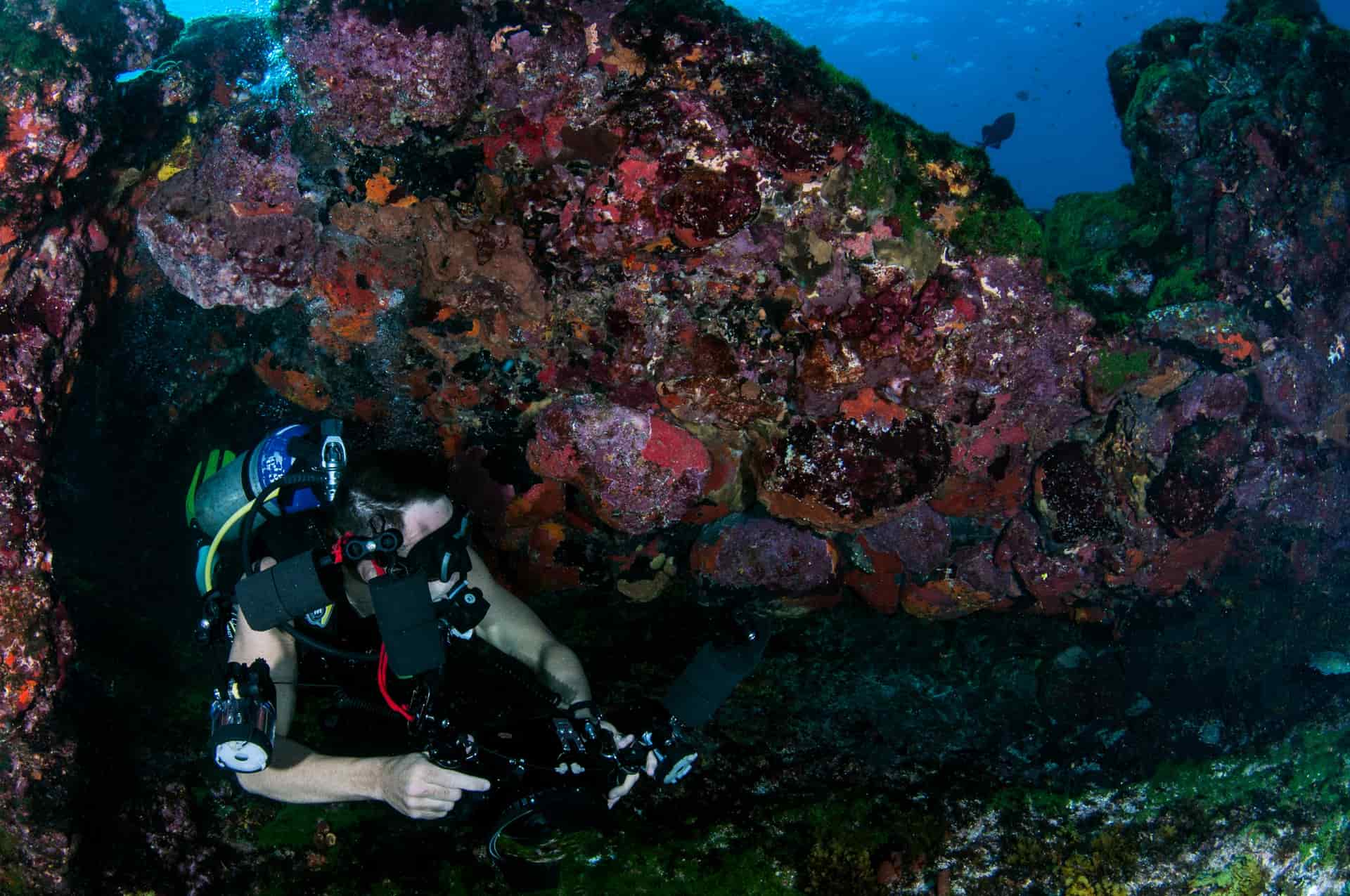
PolarPro DiveMaster Filter 3-Pack
PolarPro
The only filter set here that publishes a depth range per filter, which is the whole reason a filter set is worth buying.
Snorkeling and diving where everything on camera comes back blue
- Published depth ranges per filter, so you can pick correctly instead of guessing
- Includes a magenta filter for green water, which most sets skip
- Snorkel filter covers the 5-15ft band where most people actually film
- Fits the GoPro Protective Housing, which is where dive filters belong
- Requires the Protective Housing — these do not clip to a bare camera
- Three filters means swapping at the surface, and dropping one is losing one
- Tropical vs green water is a real distinction; the wrong filter overcorrects badly
Specs from PolarPro Dive Filters product page.
- U3 · V30 · A2 · Class 10
- Up to 190MB/s read, 130MB/s write
- Shock, temperature, water and X-ray proof
- 8.5
- 9.5
- 9.0
- 9.0
- 8.0
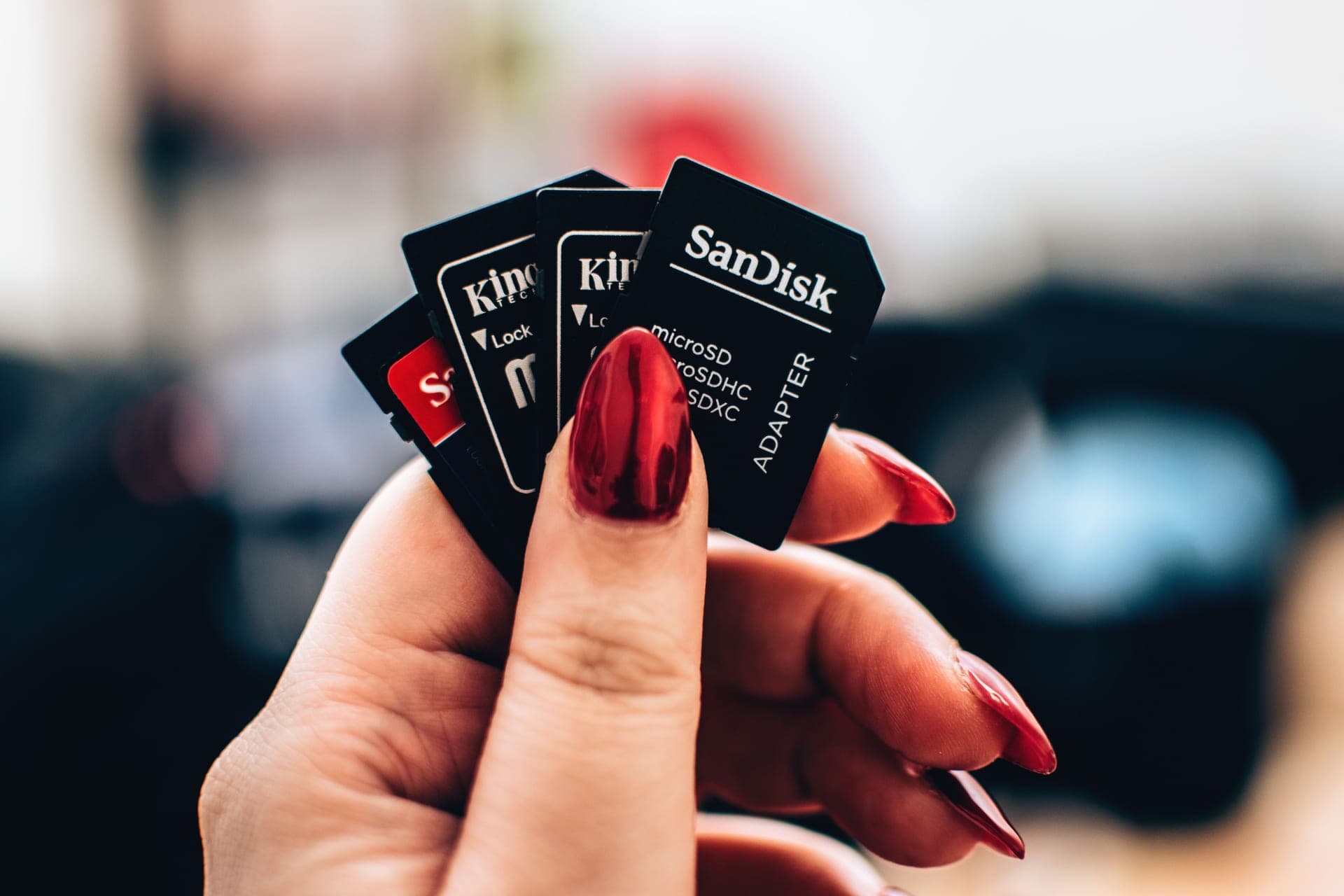
SanDisk Extreme microSDXC UHS-I
SanDisk
The card that appears on every manufacturer compatibility list, rated V30 and built to survive being wet, cold and dropped.
Anyone who does not want to think about cards again
- V30 guarantees a 30MB/s minimum sustained write, which is what high-bitrate video actually needs
- SanDisk publishes shockproof, temperature-proof, waterproof and X-ray-proof ratings
- Appears on GoPro, DJI and Insta360 tested-card lists more often than any other card
- Capacities up to 1TB, so a long trip does not need a card swap
- Write speeds vary by capacity — the 64GB tops out at 80MB/s write, the 128GB at 90MB/s
- Counterfeits are common; buy from a seller you trust
- V30 is the floor, not the ceiling — 8K on some cameras wants more headroom
Specs from SanDisk Extreme microSDXC UHS-I product page.
- 33ft (10m), no housing
- 1900mAh Enduro
- 1.5h at 5.3K30 / 2.5h at 1080p30
- 8.0
- 9.5
- 8.5
- 9.5
- 9.0
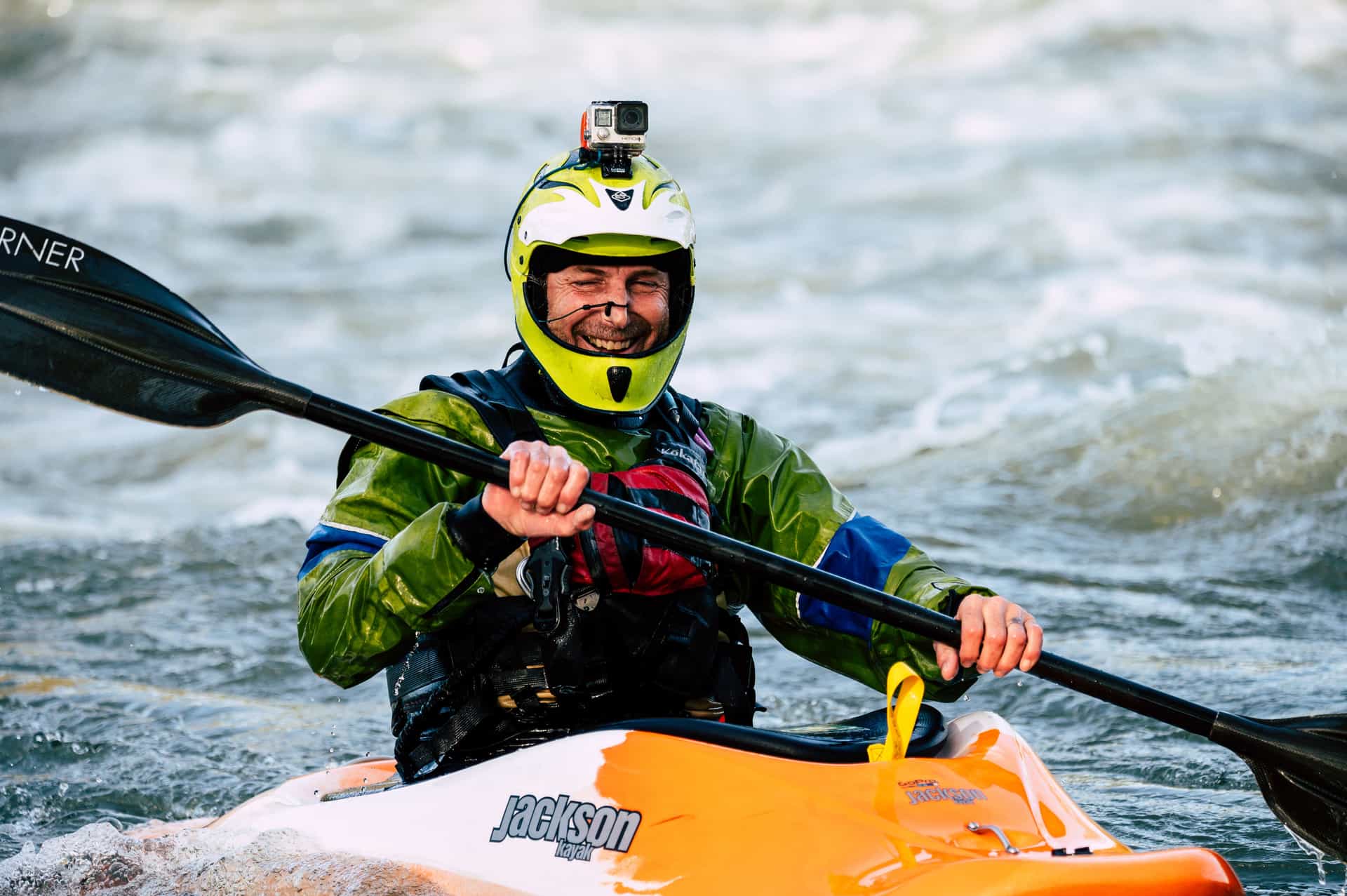
GoPro HERO13 Black
GoPro
The safest default for lake and trail: 33ft without a housing, the steadiest footage in the category, and a mount for literally everything.
Anyone who wants one camera to handle the kayak, the bike and the family trip
- HyperSmooth 6.0 with AutoBoost is the steadiest stabilization we can find published figures for
- Built-in mounting fingers plus 1/4-20 threads — it fits the GoPro ecosystem and a normal tripod
- Enduro battery is rated to keep full camera functionality down to 14°F (-10°C)
- Replaceable lens cover, so a scratched lens is a $20 problem and not a $400 one
- 33ft is shallower than the DJI and it is the shallowest of the three flagships
- Anything past 33ft needs the separate Protective Housing
- HB-Series lenses and ND filters are all extra purchases
Specs from GoPro HERO13 Black published specifications.
02
How we picked
We do not lab-test, bench-test or dive-test cameras, and we do not own test units. What we do instead is read the manufacturer's published specifications, read the independent reviews that genuinely do test, read owner reports for the failure modes specs never mention — fogging, salt corrosion, cold battery collapse, mount slippage — and then weight all of it for filters and ports used on lake and trail. Where a number is not published, the page says “not published” rather than filling the cell.
The full method, including what we refuse to do, is on the editorial policy page.
- 35%Color correction at depth
- Red loss starts shallow; the right filter is depth-specific.
- 25%Fit security
- A filter that comes off underwater is gone.
- 20%Optical quality
- Cheap resin costs sharpness the camera cannot recover.
- 12%Swap speed
- Changing filters on a moving boat, wet-handed.
- 8%Scratch resistance
- Sand and neoprene are abrasive.
03
Questions people actually ask
01What are the best GoPro settings for water sports?
4K60 with stabilization and horizon lock on, exposure compensation around -0.5 to -1.0, and manual white balance for the conditions. 4K60 gives a faster shutter for moving water and slow-motion headroom.
02What settings should I use for snorkeling?
4K30 with a red filter cut for the depth you swim at, and the camera's underwater white balance mode. Below about five feet the filter matters far more than any setting.
03Should I shoot 4K or 5.3K on the water?
4K, and specifically 4K60. Faster shutter, slow-motion headroom, cooler running, longer battery and files you will actually finish editing. The resolution difference is invisible on a phone.
04Why does my water footage keep changing brightness?
Auto exposure chasing reflections. Apply negative exposure compensation, and lock exposure for fixed mounted shots. Leave it automatic for handheld shots that move between sun and shade.
05Should I turn stabilization off to get a wider view?
No. The crop is modest and the steadiness is the main reason modern action footage is watchable. On a hull in chop it is the single most valuable setting the camera has.
06What white balance for lake water?
Around 5500K in bright sun, 6500K when overcast, 7000K in shade. The important part is setting it manually rather than letting it hunt as the camera turns.
04
Read this next
Filters and dome ports for water
The one setting you cannot fix in camera, and its hardware answer.
Stop fogging and overheating
Why the maximum mode is a thermal decision as well as a file-size one.
Best action cameras for kayaking
The camera these settings are being applied to.
Best SD cards for action cameras
The card that has to keep up with whichever mode you chose.
How to film yourself paddling
Settings sorted. Now the harder problem: framing.
05
Sources
- PolarPro Dive Filters with published depth ranges
- GoPro HERO13 Black published specifications, including video modes
- SanDisk Extreme microSDXC UHS-I product page
Specifications are quoted from the manufacturer pages above as they read on the dates shown. Where a figure is not published, this site says so rather than estimating one. We have not tested these products.